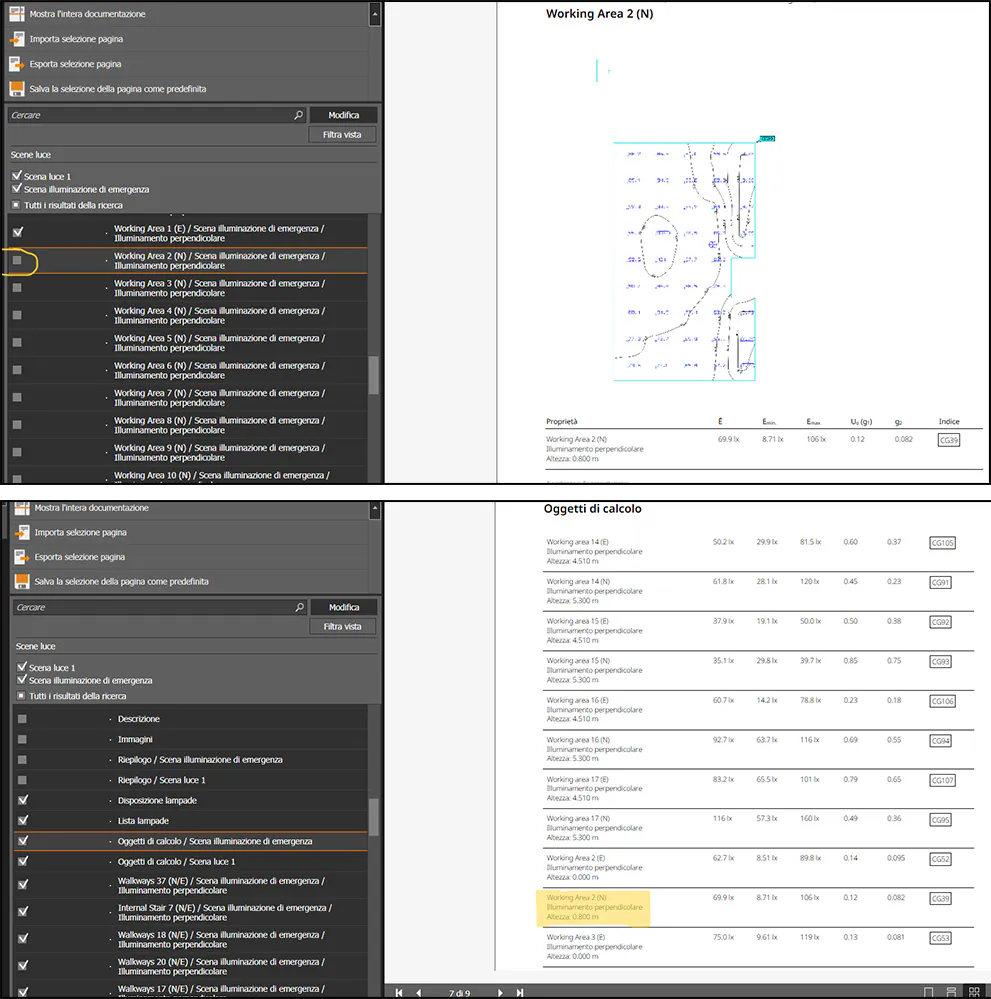


As an example, I removed the "working area 2 (N)" surface because I don't want it to show on the documentation. I can still find its properties in the calculation objects list (the one after the general plan image of the position of the luminaires). Is there an option to update the list so that it shows only the selected calculation items?