

Hello everyone,
I’m currently working on a DIALux project that involves a two-storey building. I’m facing an issue with floor cutouts:
When I create a cutout in the top section of the top floor, it works perfectly — the floor gets properly cut as expected.
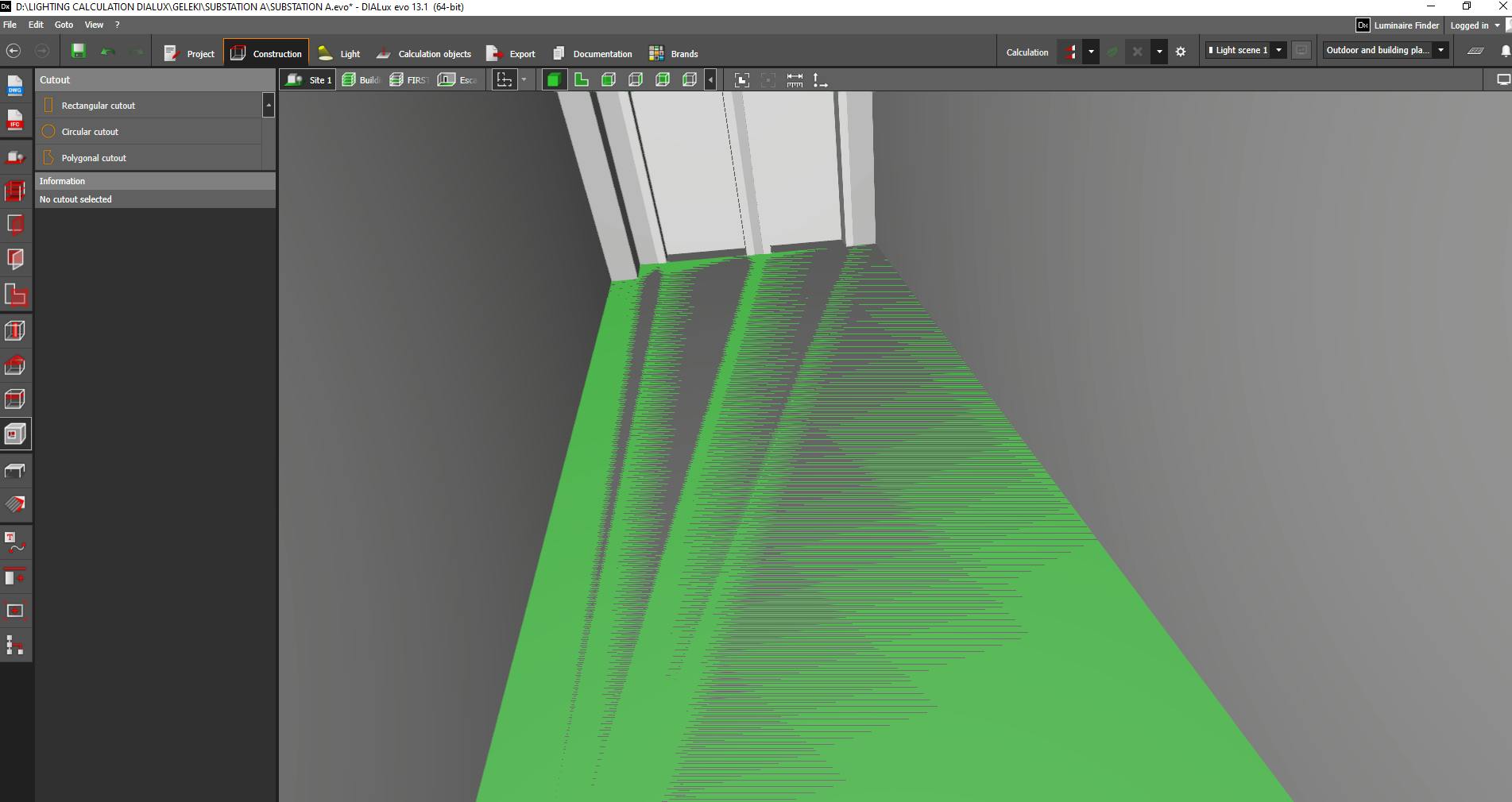
However, when I try to create a cutout in the intermediate floor (between the two storeys), the cutout appears in the plan (with a green outline), but the floor itself is not actually cut — the opening is not visible in 3D or section views.
I’ve tried re-placing the cutout, modifying its dimensions, and checking the floor settings, but the issue persists.
Has anyone faced a similar problem or can guide me on how to resolve this?
Thank you in advance!