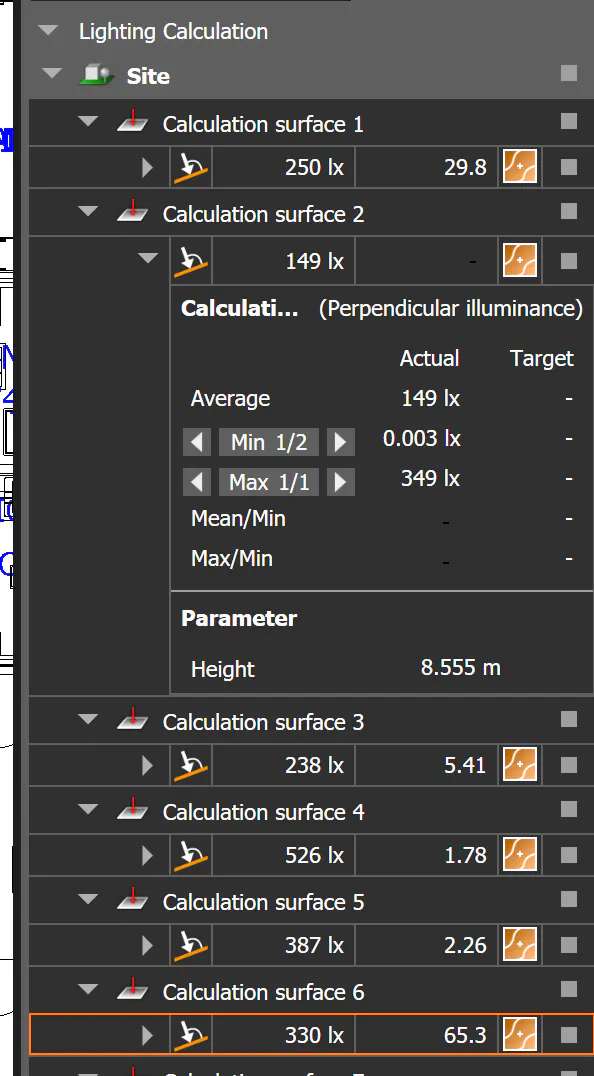


The previous version showed an eye next to each lighting calculation that you could toggle and you could hide specific calculation results on the floorplan view.
Is this intentional? How else can you turn specific calculations off?
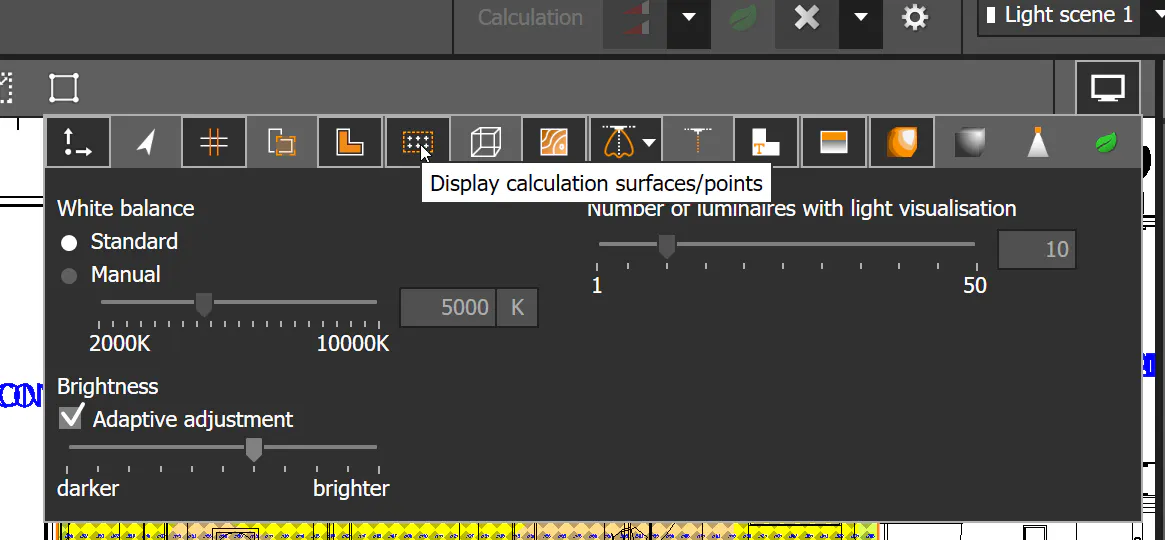
The only method I can find without deleting the calculation object diagram is by clicking Display Options and then disabling Display calculation surfaces/points.